
Free
3 scans a week.
Log workouts from your Concept2 screen, keep a local history and try the core flow before you commit.
ErgScan reads your Concept2 display from a photo and saves the full session — splits, pace and stroke rate — ready to sync and share.
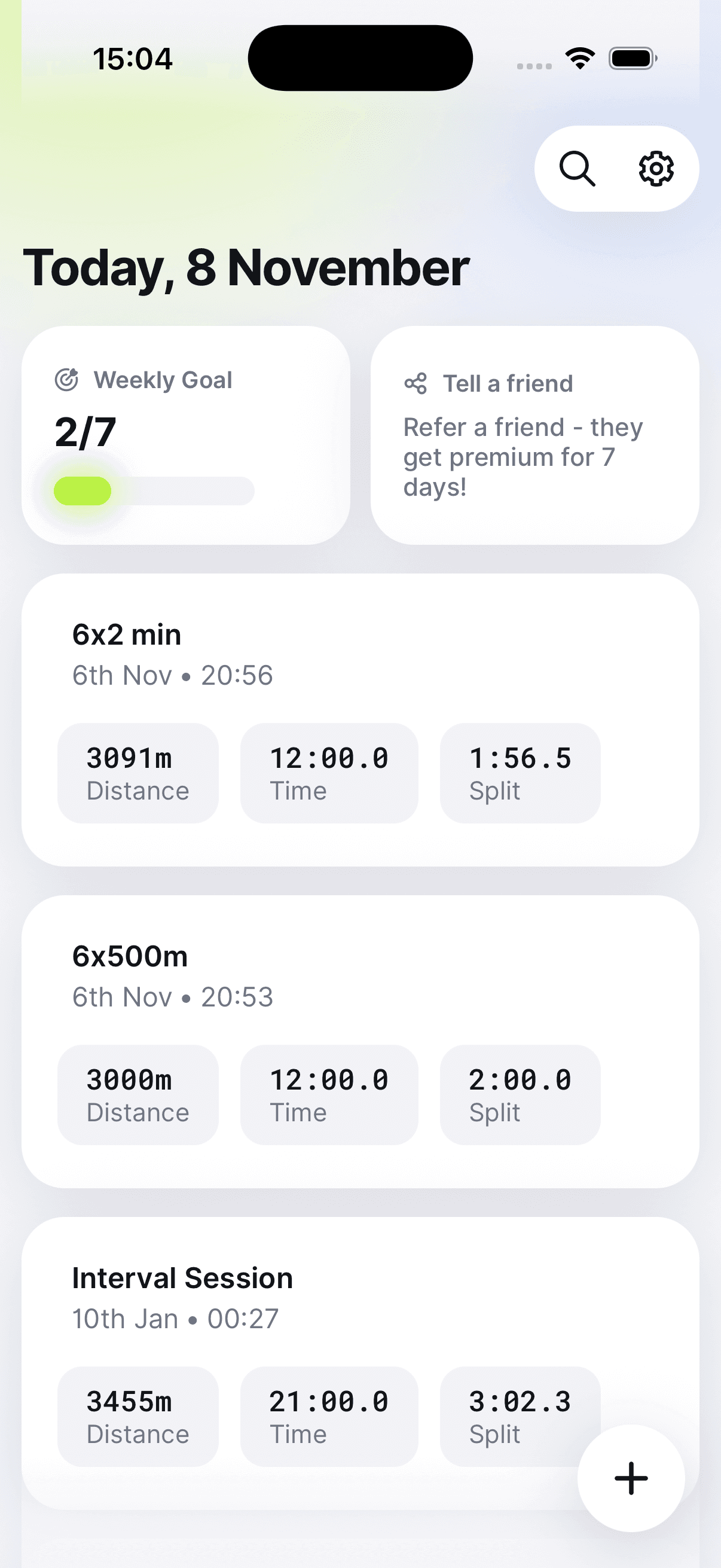
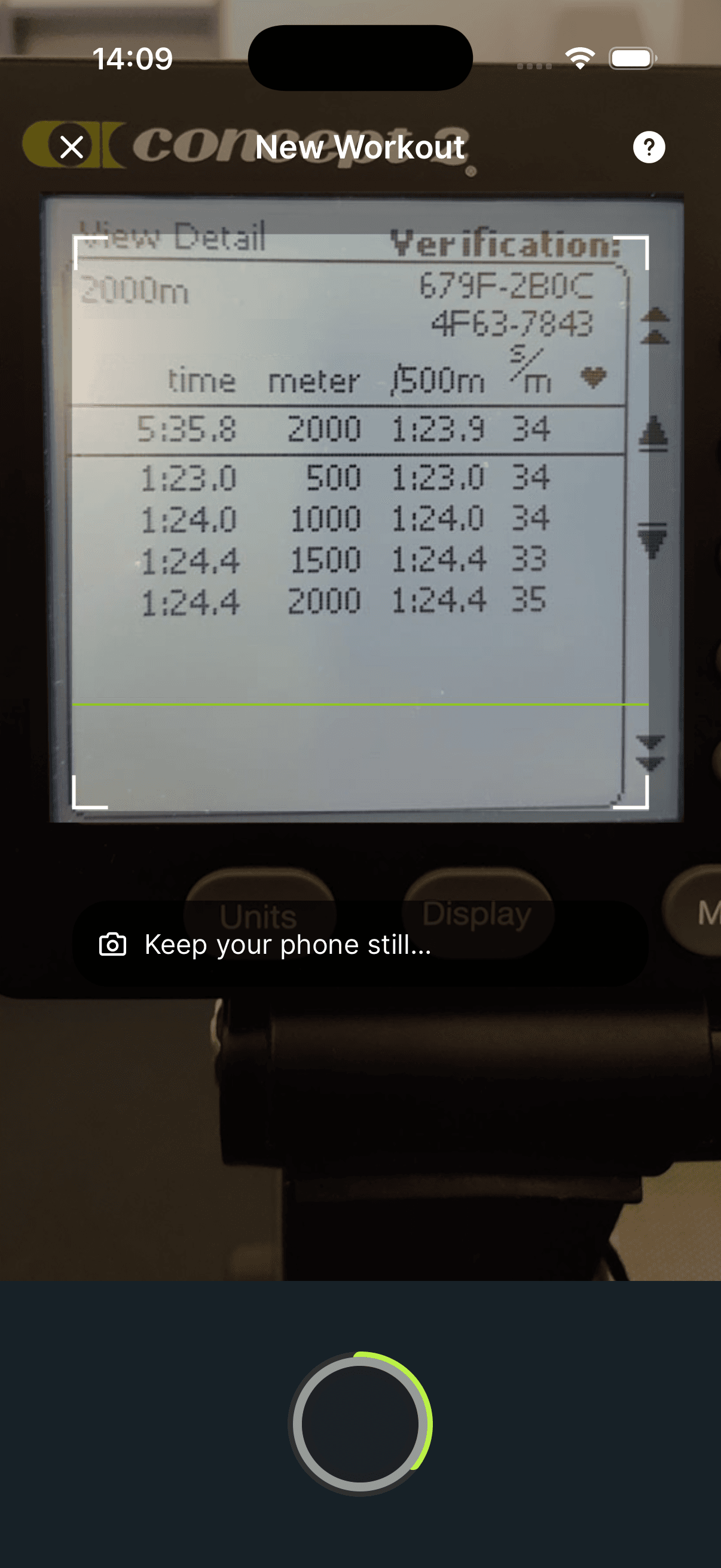
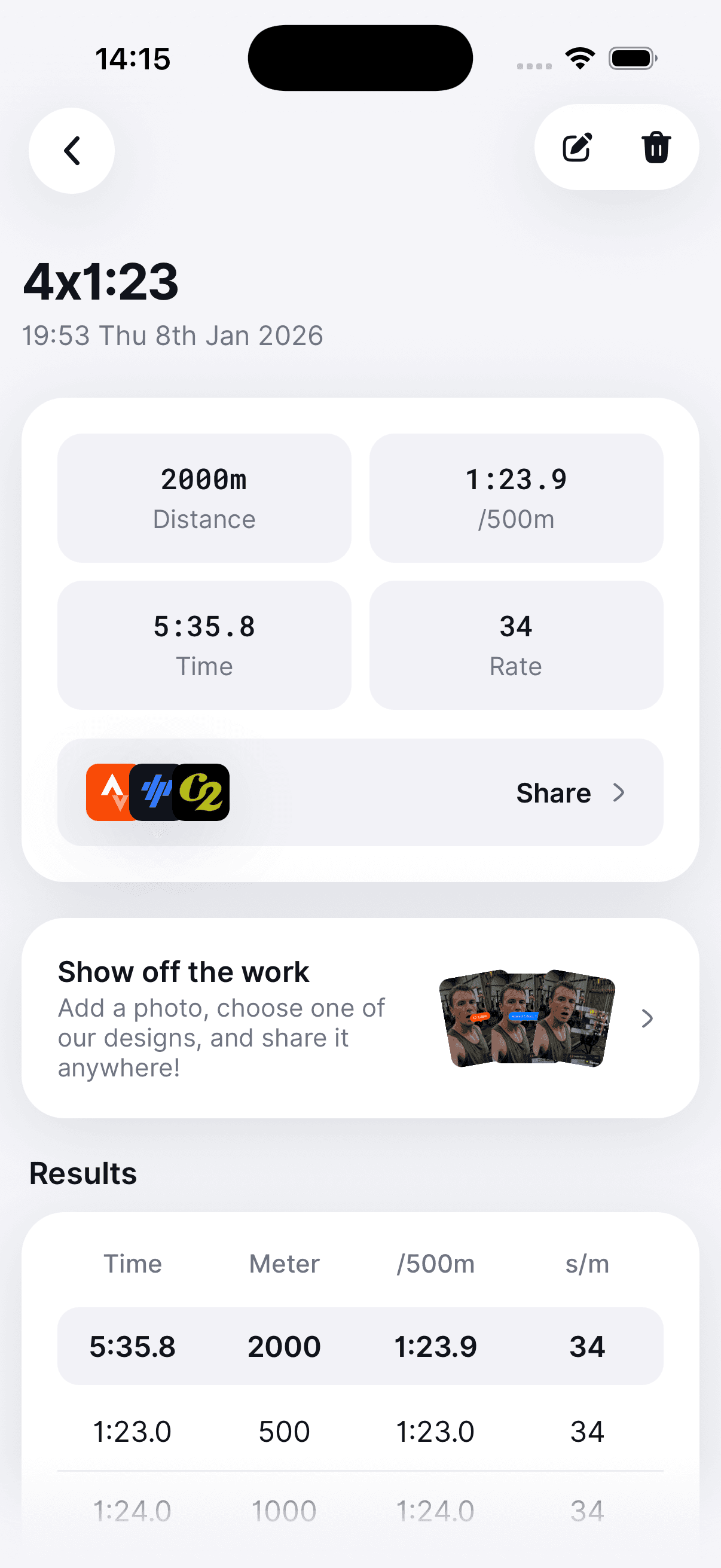
No Bluetooth. No typing. Just a photo of the monitor after you finish.
Features
Finish the piece, point your camera at the monitor, and ErgScan pulls every split into a clean training record you can keep, compare and send to your other platforms.
Pricing
Scan a few sessions a week for free. Upgrade for unlimited scans, cloud backups, comparisons and heart-rate zone graphs.
Free
Log workouts from your Concept2 screen, keep a local history and try the core flow before you commit.
Premium
Unlimited scans, matched workout comparisons, heart-rate zones, advanced search and unlimited backups. Annual and lifetime options available in-app.
Try it
New Premium subscriptions include a free trial before billing starts. Cancel anytime in the App Store or Google Play.
Support
If you have any issues, you can contact us by email here.
Yes. ErgScan is free to download, with 3 scans per week on the free plan. ErgScan Premium unlocks unlimited scans, cloud backups, matched workout comparisons, heart-rate zone graphs and advanced search. Prices are shown in the App Store and Google Play.
ErgScan is built for Concept2 PM5, PM4 and PM3 displays. Point the camera at the results screen after your piece, or upload a photo from your library.
No. ErgScan reads the workout from a photo of the monitor, so it works on any Concept2 erg — including gym machines you can't pair with.
You can connect Strava, TrainingPeaks and Concept2 Logbook from Settings. Once linked, scanned workouts can upload with split data included.
Most workouts save in a few seconds. Always check the review screen before confirming — you can edit fields if lighting or angle made a number hard to read.
On iPhone, open Settings, tap your name, then Subscriptions. On Android, open Google Play, tap your profile, then Payments & subscriptions > Subscriptions. Choose ErgScan and cancel before your trial or billing period ends.
No. ErgScan is an independent app and is not affiliated with, endorsed by or acting on behalf of Concept2.
Download ErgScan, take a photo of the monitor, and keep every piece without retyping a single split.